Hello
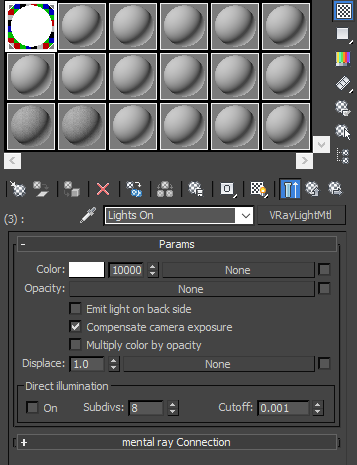
I have an issue with VRayLightMTL intensity. Since the circumstances are like that I cannot use VRayLight - I have to use VRayLightMtl and the problem is that I cannot make it brighter at one point. I am using “compensate camera exposure”, but even if I am using multiplier x100.000.000 - it looks like 10.
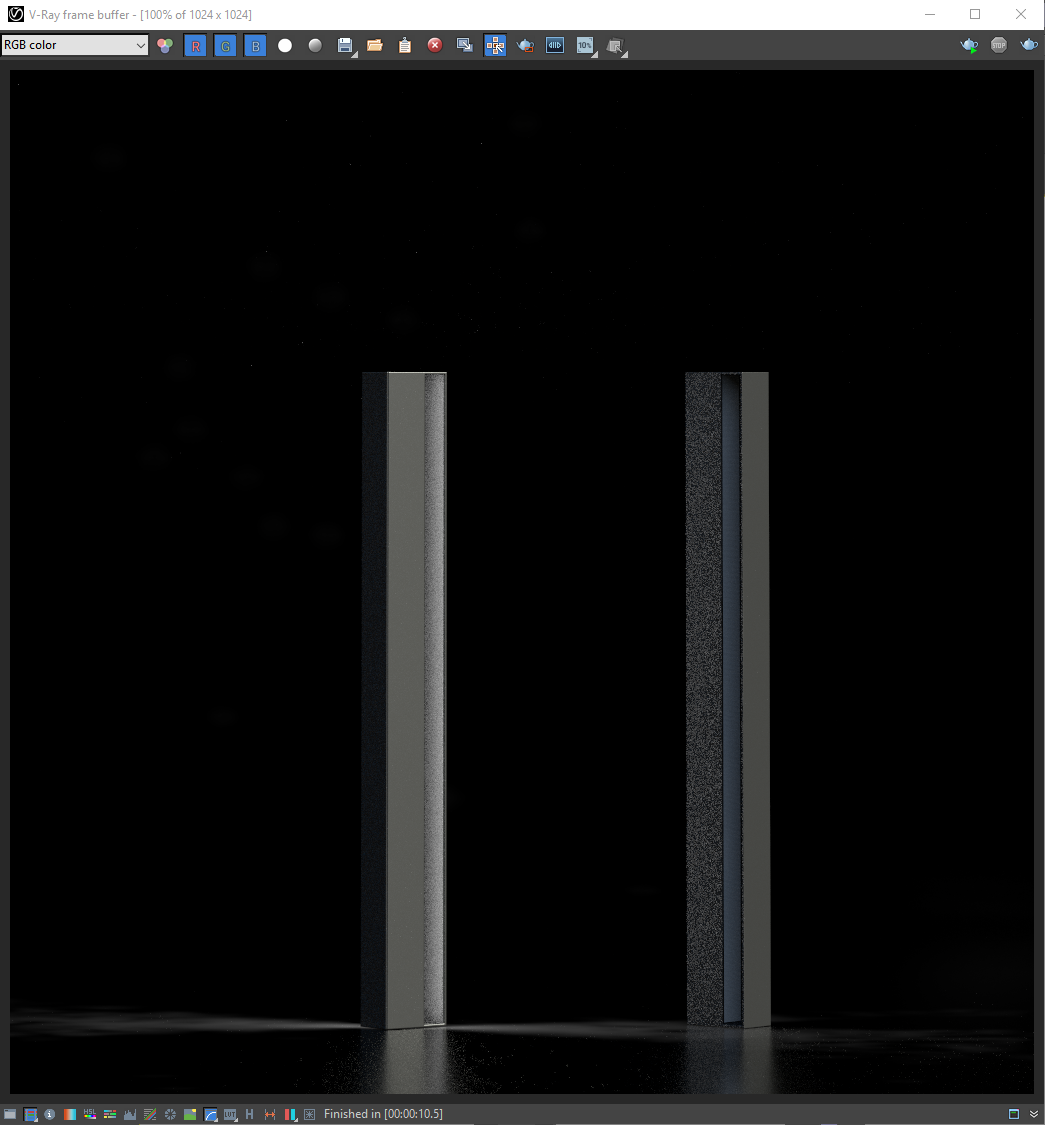
The object on the left has the light “on” with mult. 10
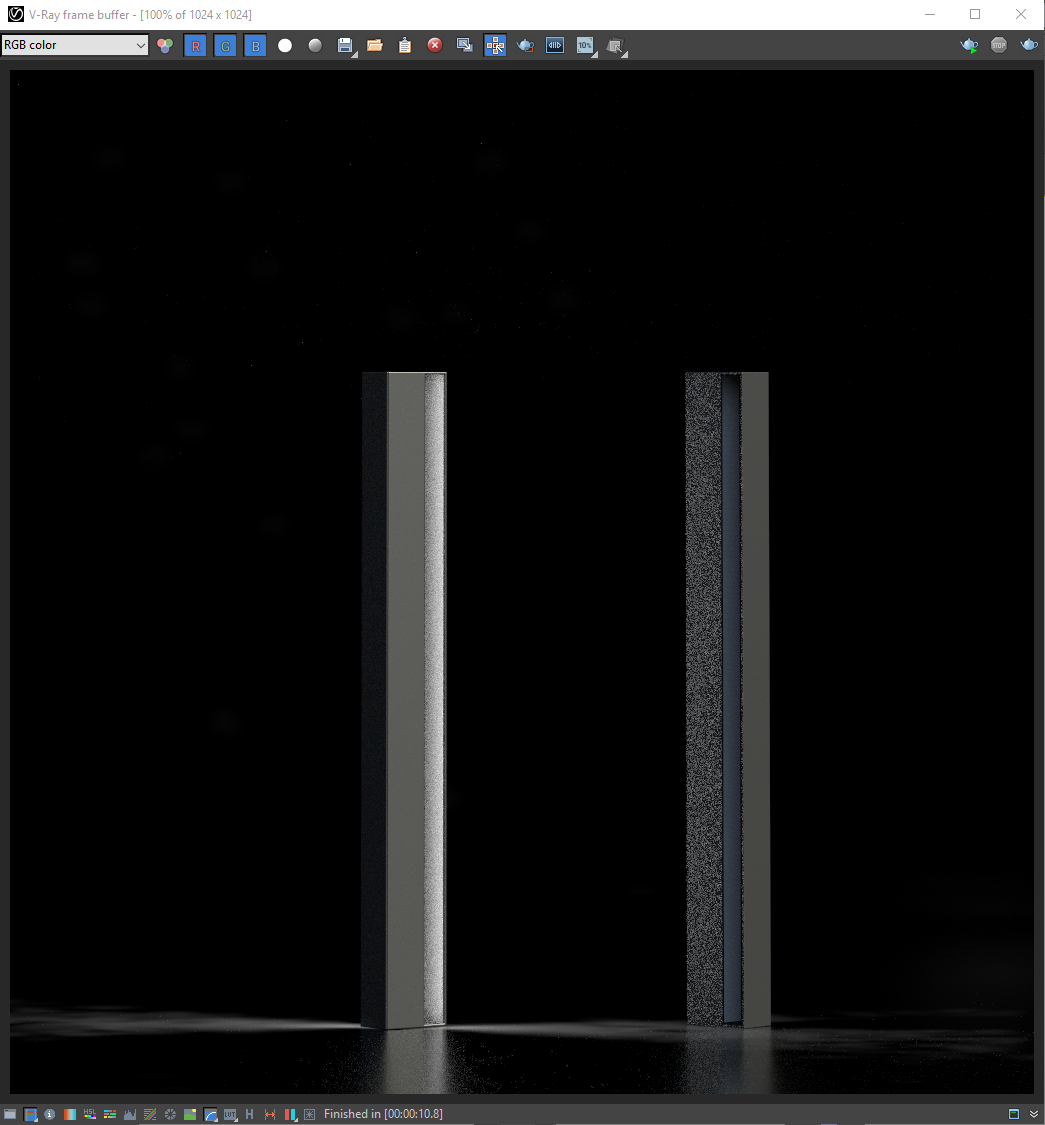
Here it is the same object and material, but with mult 100.000.000
You can see just slight increase in the brightness, definitely not x10.000.000 times more?
Do you have Auto-Exposure activated? It would be best if you attach the scene here or send it to support@chaosgroup.com so we can take a look. Mention this thread in the e-mail along with your V-Ray and host platform versions.
So looks like it’s a “known” bug, when VRayLightMTL is inside MultiMaterial.
But, if it will be fixed - it will be fixed in v.5, right?
Thing is that not everyone will switch to v5 (as usual), and the bug will remain in next 2?
Maybe there is a workaround using same multisub, but doing something in vraylightmtl?
Thanks.
If you mean the bug mentioned in threads about LightMix - it only concerns LightMix and light material’s contribution to self illumination light select. None of this is present in Next.
Thanks for the provided scene. First of all, it seems you have separate VRayLightMtls (with the same name), so your comparisons may have been compromised. Otherwise, a VRayLightMtl, with an activated direct illumination, nested in Multi/Sub-Object material is not supposed to work. Separating the light material objects should suffice as a workaround.
Not sure what do you mean, to be honest.
I tried with and without Direct. multiplying intensity by 1000000 does not change anything. That’s normal behaviour ? And if I detach that polygon and assign separate material - that works.
If Direct Illumination is disabled, only the pixel values will change, it is precisely the DI that makes the VRayLightMtl act as a VRayLight. However, when nested in a Multi-Sub/Object material, the VRayLightMtl does not take the DI parameter into account, hence the results are identical.
Actually, the VRayLightMtl (without DI) light is considered GI and is dependent on the ‘Max.Ray Intensity’ parameter, which clamps the light intensity (hence, why 10 and 10k produce the same result). If you disable the ‘Max.Ray Intensity’, you’ll be able to control the strength of the VRayLightMtl’s color multiplier.
Oh I missed that out because of my default settings.
Of course having DI would be much better, as it gives much better result, though this one is a solution for my problem as well.
Thanks, Aleksandar!