Hello, since updating the other day certain cosmos assets are no longer rendering. This is occurring within a particular file, I can start a new file and the assets work fine. It lets me import the asset, and a proxy is present but it just doesn’t appear on any renders. Thanks for any help
Hi @sam_moretondeakin ,
Have you, by any chance, switched the assets download location? If you check the assets directly in the Asset Editor, do you see the correct paths to that location? Have you noticed such issues in other files?
Is it possible to get in touch, so we can maybe investigate what’s happening on the spot? Thanks!
I have the same problem. Objects are not showing in the render but they are visible in the file. In the cosmos browser, they look good with a green check mark as downloaded. As well in the downloads folder of Cosmos all files are there. But it is only missing in the v-ray asset editor. When I add it again to the file from the cosmos browser it shows up again in the asset editor but after a while, it vanishes again. After some controls, I understood that this happens primarily because of scaling. Scaled objects’ connections break and they start to disappear in the render. So I think this is the main reason but in this case it means it is not possible to use objects with custom scales, even though they are uniformly scaled.
Hello @yusufcankat_donmez ,
Could you please share some more information on versions that you are using.
Are you working with V-Ray for SketchUp or V-Ray for Rhino?
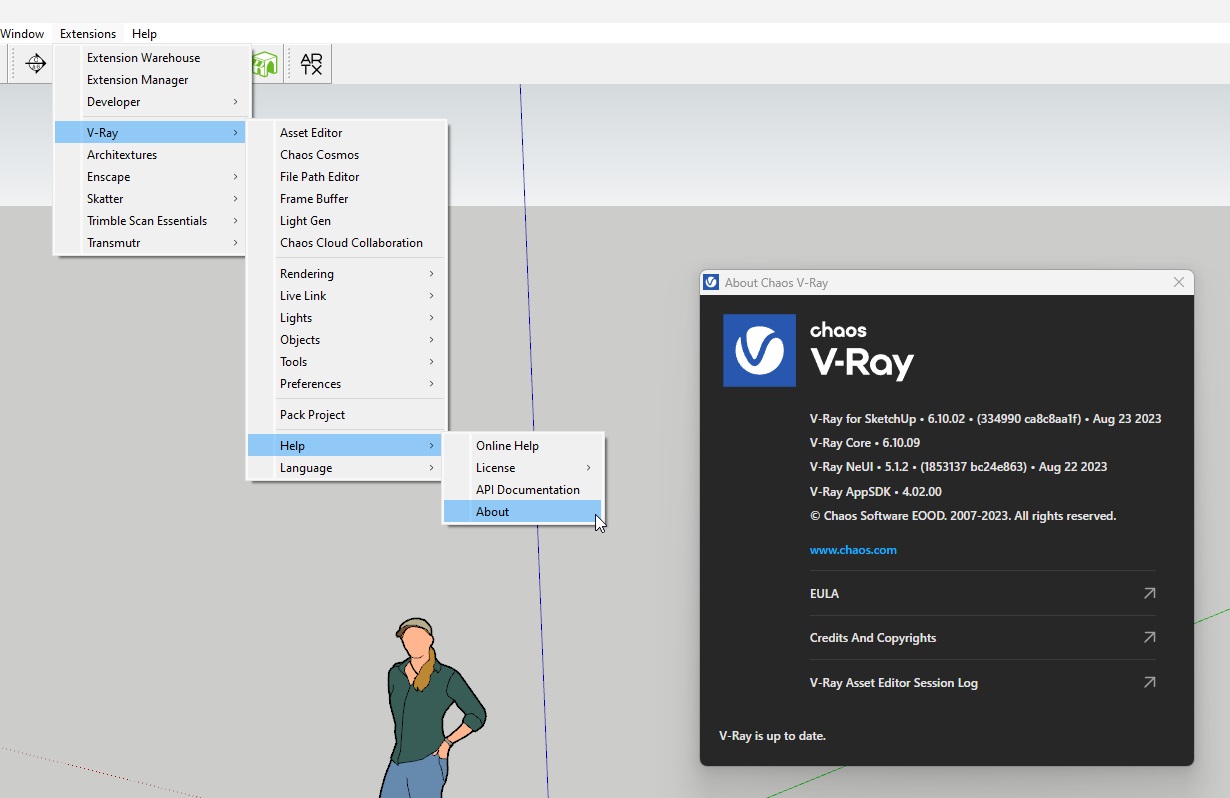
If it is SketchUp please provide:
- SketchUp version;
- V-Ray for SketchUp About window screenshot: example.
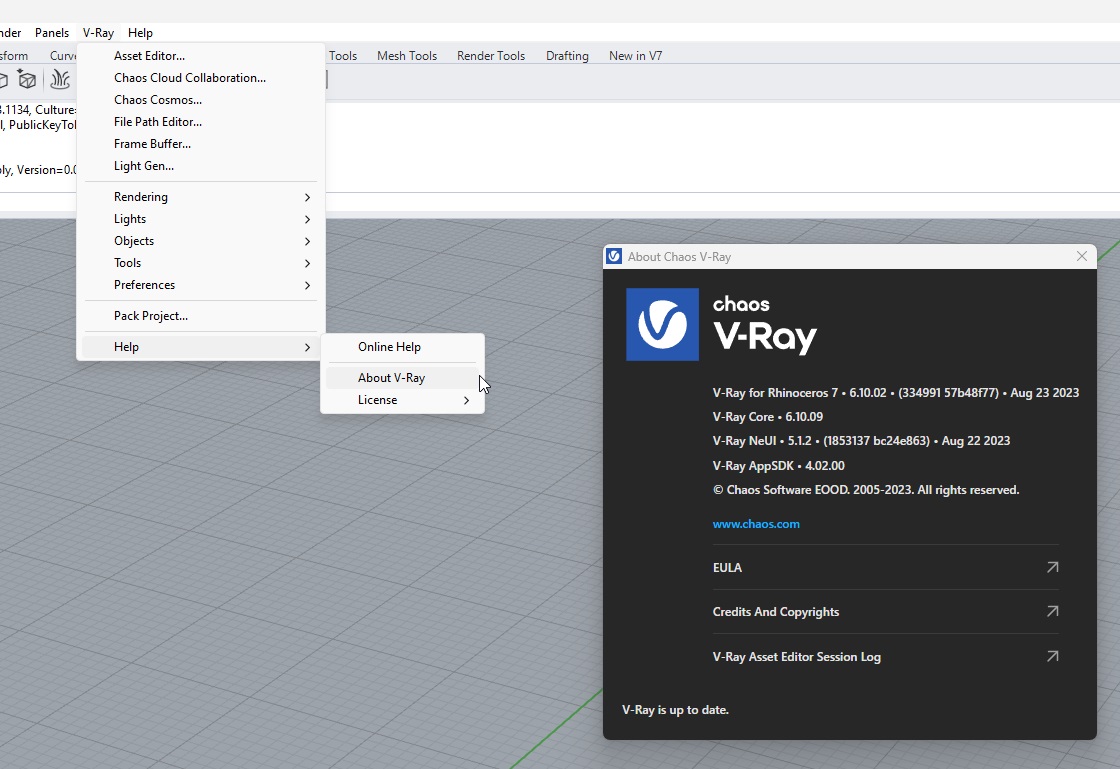
If it is Rhino please provide:
- Rhino version (is it Rhino 7 or Rhino 8 WIP?)
- V-Ray for Rhino About window screenshot: example.
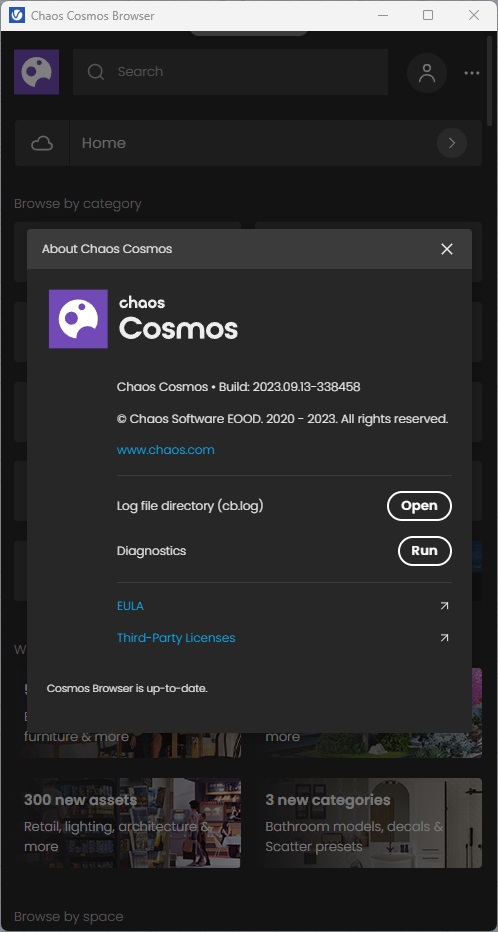
Also please add the Cosmos Browser version (Settings>About).
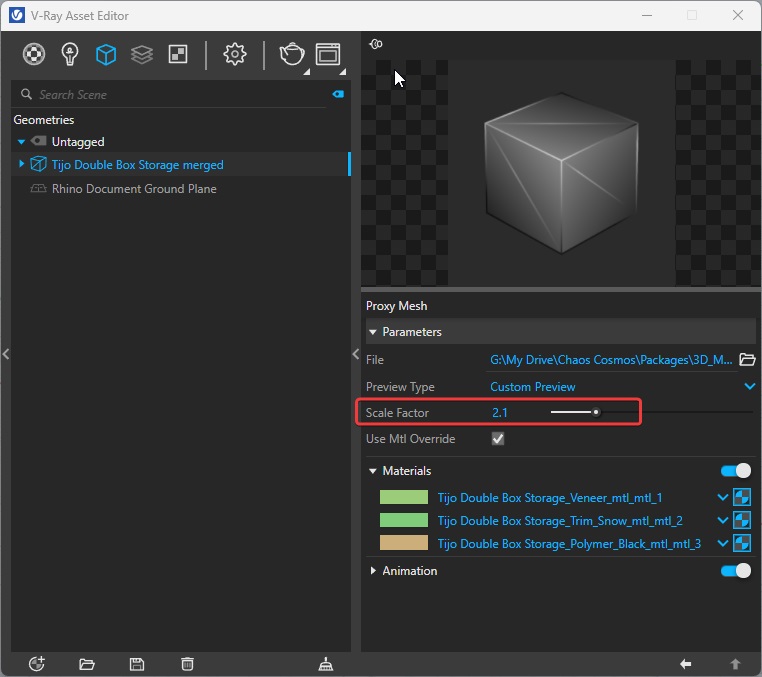
How exactly do you scale Cosmos Assets - by merging assets and adjusting Scale Factor (example) or with Scale command\tool on the unmerged asset. Any additional information would be helpful in order to investigate this issue.
Hi, I have Rhino 7 and 8 WIP/BETA i had it lastly I guess in 8 WIP. V-Ray Information I add with attachment below. I have now “Chaos Cosmos • Build: 2023.09.13-338458”. I use standard uniform scale command of rhino to scale without making any deformation. In some V-ray version I saw that in the UI there is a scale parameter but in rhino only with rhino scale command it is possible but then this happens.

Thank you @yusufcankat_donmez for specifying your version,
I am not able to reproduce the issue with scaled Cosmos Assets that you describe neither in Rhino 7 nor in Rhino 8 (BETA) version.
Are you able to reproduce the issue consistently on your side? If yes, please archive the scene with such Cosmos Assets (present in Rhino and not present in V-Ray Asset Editor) using the Pack Project tool and send it in a ticket.
Also, as I have shared in the previous post, if you merge Cosmos Asset you can scale them using Scale Factor, though note that it will only be visible in render.
Hi Natalia, sorry I forgot this post somehow. But unfortunately the issue remains since my last post. In between V-ray Rhino got a lot of updates. My V-Ray, Rhino and Cosmos setup is up-to date. This happens almost in any file I work. I never change the download location of the cosmos elements. I see any logic when this happens but this continues constantly. The worst part is sometimes I am not able to see what is missing in my render if the scene is crowded and I realize it sometimes after render or even the work finishes(annoying surprise  ). Only way to fix this, I select the object in Rhino, properties windows shows the name of the object so I search this object in Cosmos browser and import again(the object seems fine, downloaded, updated, no error icon etc.). After I import it again and put it in the scene, I immediately see it appears in the Rhino Asset Editor(Geometry section). So basically it sometimes ignores or forgets
  that I already have them in my scene and wants me to redo it. I add my version history below. I can pack the file and upload it / create a ticket. Hope that there is a solution for this.


Hi, thank you for the reply. Here is the screenshot of its details. Nothing seems wrong to me :S . When I use Cosmos objects, I generally need to scale them (uniformly). Other than that, I can say that I never explode them or any other command. Another issue related to this, maybe this requires another topic, but some elements’ appearance is weird. These are empty Wine glasses(100% sure), but somehow they look dark, and one of them, on the right, for example, looks slightly different even though they are the same objects.


Thanks for the screenshot! In this case indeed it would be best to take a look at your file directly.
Use the Pack Project tool and when it asks you to pack Cosmos Assets as well - select Yes. Open ticket, so you could upload your files, and also share your current V-Ray version, so we test the same one.
Thank you in advance!