Hopefully some guru can point me in the right direction…
I have rendered several scenes from this model, only this corner has a problem. As you will see the SketchUp model just has its default colour there. What am I doing wrong??
Thank you for any pointers.
David
May be the ceiling light is the problem..
Hello @david_grieve
Thank you for your post.
As a suggestion for quick tests:
- Please turn off the light in the corner and try to render to see if this effect will still appear. If yes that means that the issue could be from the light source.
- Turn on Material Override and try to render. If the result is as expected, that means that there is an issue with the material. If the effect persists, please check your wall’s geometry.
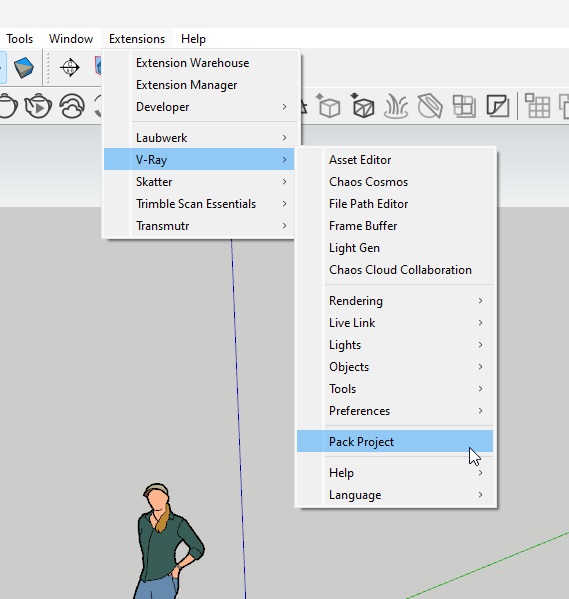
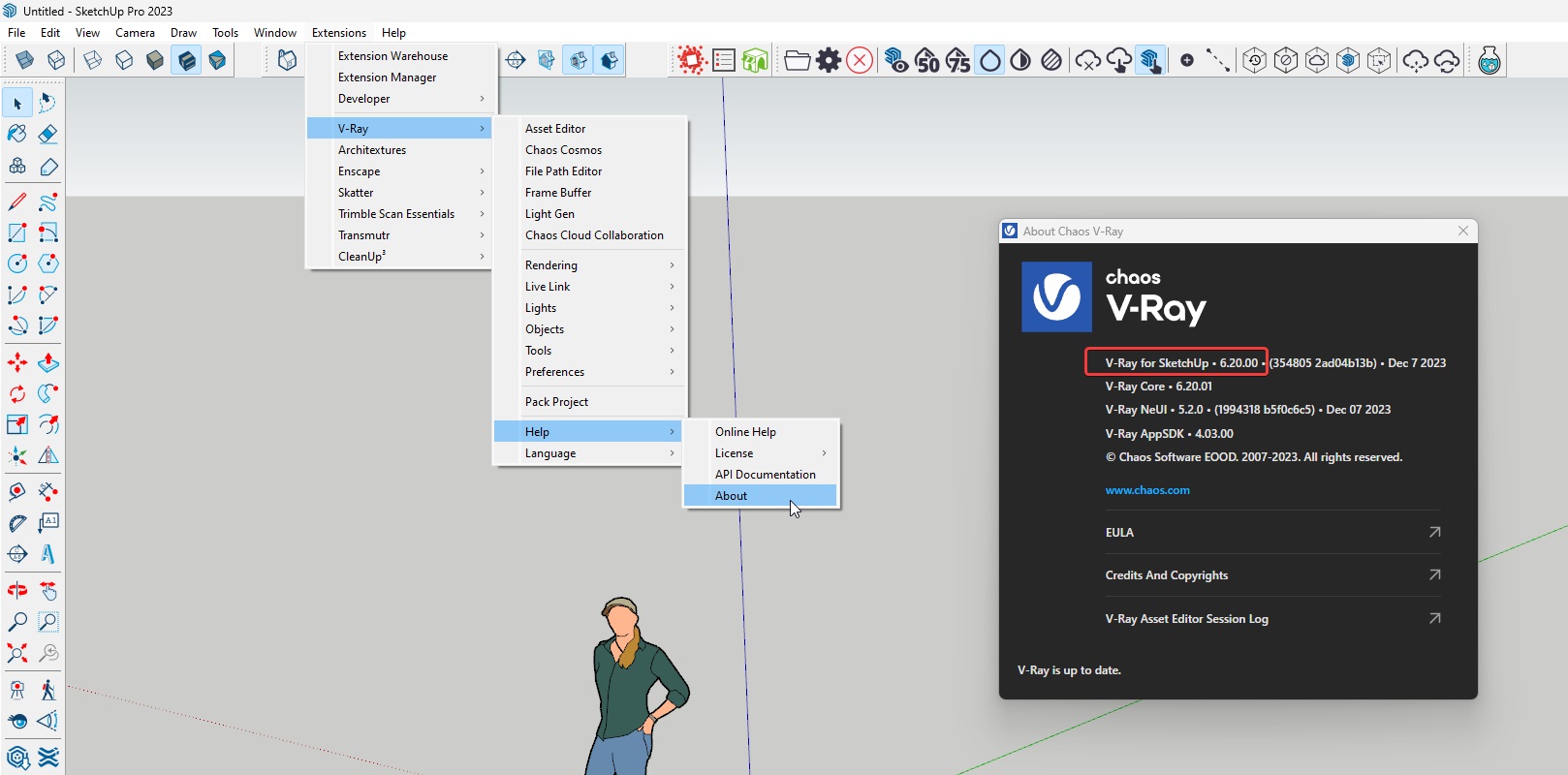
If you would like to, we could also test your scene? If this is alright, please submit a request form and upload the archived scene in the ticket. To do so make sure to archive it with the Pack Project tool (Extensions>V-Ray>Pack Project tool). Additionally please share your V-Ray version (check About window V-Ray for SketchUp).
Thank you in advance.
Thank you both for your suggestions.
I turned on material override, go this
first
Then I turned off the first light, got this
There is another, identical light above the sink that is “out of shot”, so I turned that one off too, got this
The light is a simple rectangle light (with circular shape) so I looked at the settings, realised that I had it set for 820 linear units, should have been 820 lm, so I changed that. I also changed directionality from 0 to 0.75, got this
The striations in the lamp render made me wonder if it was interfering with the drawn geometry of the downlighter, moved the VRay light component down by a couple of mm relative to the surface of the drawn lamp body, got this,
I would say, problem solved. Thank you both for the pointers.
Regards
David
Overlapping surfaces (and apparently lights) should be avoided at all costs.
When you see artefacts like the ones you showed which are also changing randomly from render to render, you should always check for overlapping objects (faces, lights, etc.).