Hi,
I’m receiving this error message when I am trying to import 3d models from the chaos cosmos browser. ‘’
error importing asset: The selected importer was not found’’
I can download the files fine, but importing it into my model on sketchup is not possible for some reason. I’m a novice at vray rendering so if someone could help out I would appreciate it!
Dear @caitlin_pietersen , hello.
In order to be more helpful please provide us the following information:
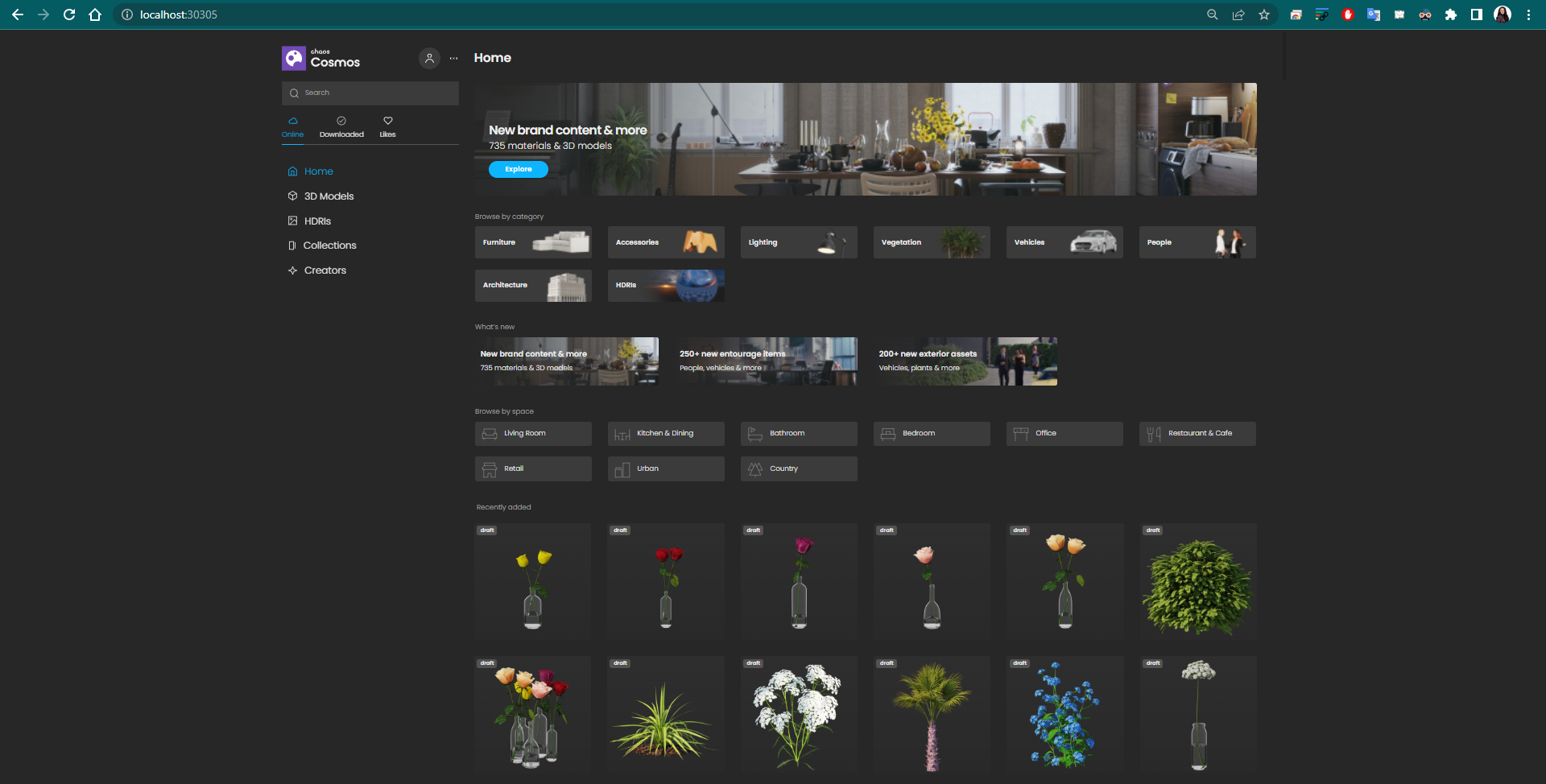
- are you able to open Cosmos by typing localhost:30305 in your browser, like this
- OS type and version
- cb.log & config.json files from C:\Program Files\Common Files\ChaosGroup\ChaosCosmos (for Windows)
The best way is to send the requested information via our contact form here. Please choose Technical assistance starting the product under Request Type.
Best regards,
TS
yes I am able to open cosmos in my browser, OS system windows 10 the cb.log files must I send them here?
HI again,
please attach them in the already opened ticket #39311.