Magnatizerr Gallery (updated with new renders on 03/11/09)

Here is my gallery - all comments and criticism are welcome.

Updated: 30/10/09

(Image 1)
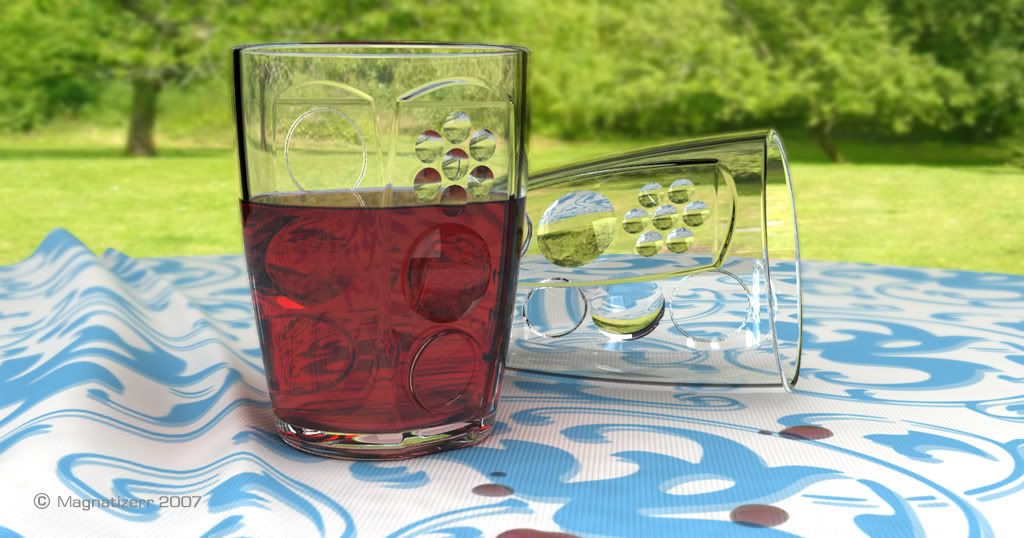
I’ve started to go through old projects and looking for products to test my V4R abilities so here’s another attempt - All completed with V4R apart from a small amount of work in PS. Again, and C&C are most welcome.

(Image 2)
Updated: 21/06/06
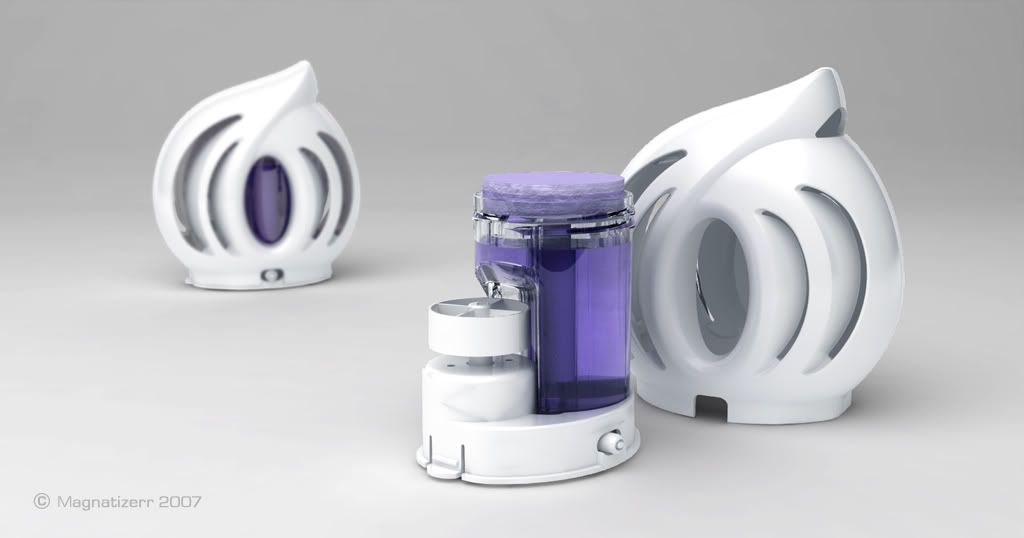
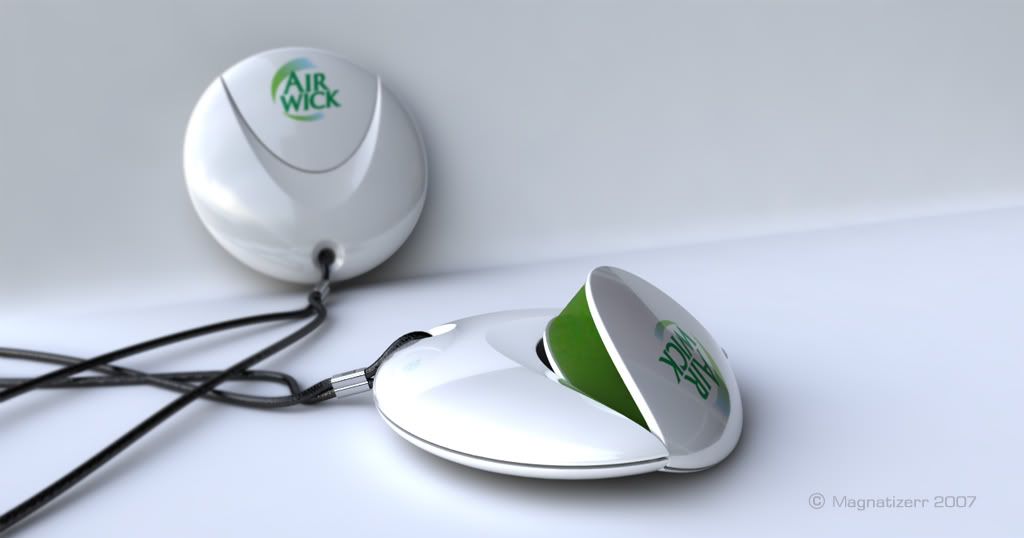
Another old project from last year - playing around with a white product on a light background (an Air freshener for AirWick)

(Image 3)
Updated: 27/06/06
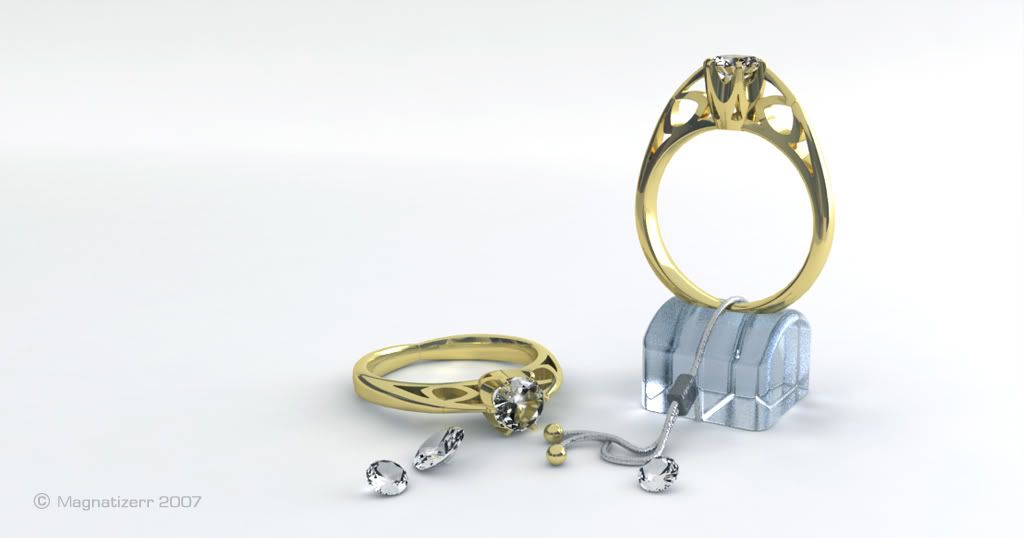
Diamond Ring on light coloured background - updated with ‘brighter’ gold material as suggested by Micha

(Image 4)
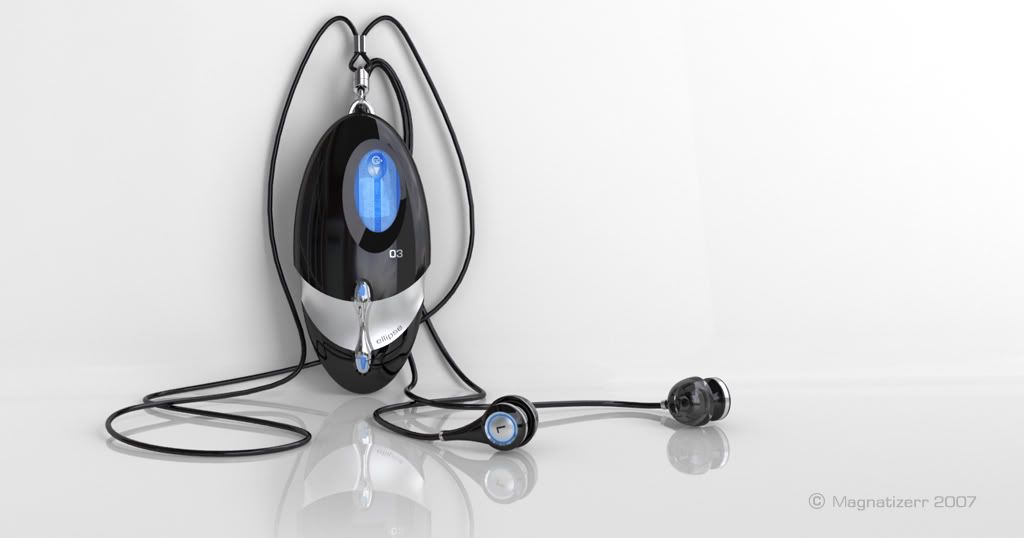
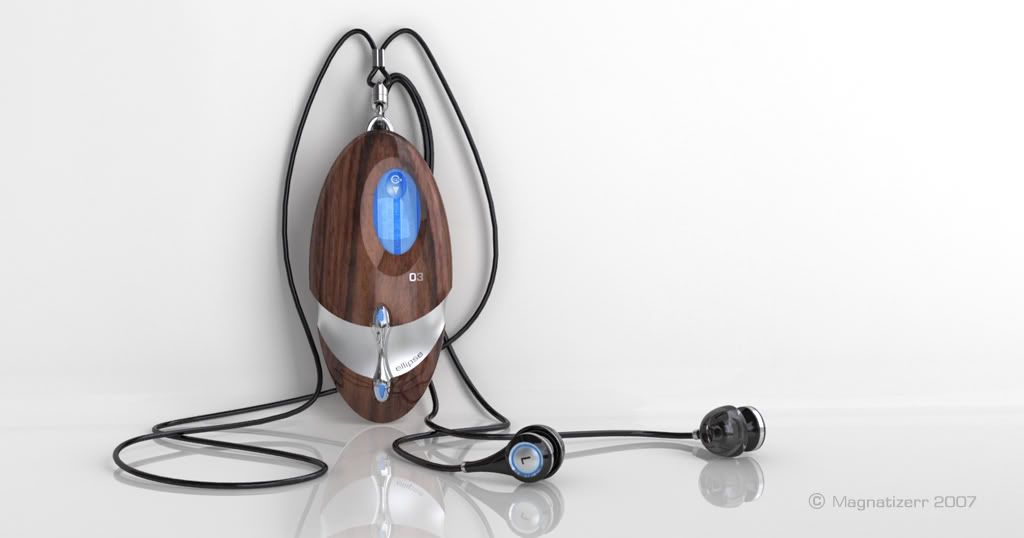
Updated: 04/07/06 - MP3 player - My first attempt at using the the ‘emissive layer’ (used on screen, button arrows and ear plug blue ring).

(Image 5 and 5a)
Updated: 30/11/06 - It’s a while since I’ve updated so I thought I’d post a few more images up (Still learning!) C&C welcolme

(Image 6) - Personal travel air freshner
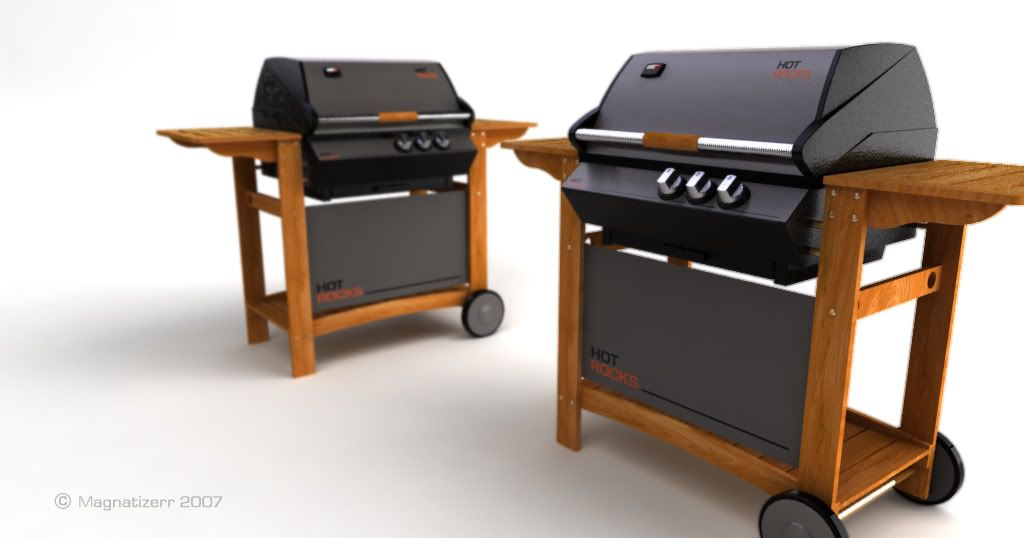
(Image 7) - Gas BBQ
Updated 28/09/07 - Not updated for a while so I thought I’d post some renders done over the past few months.

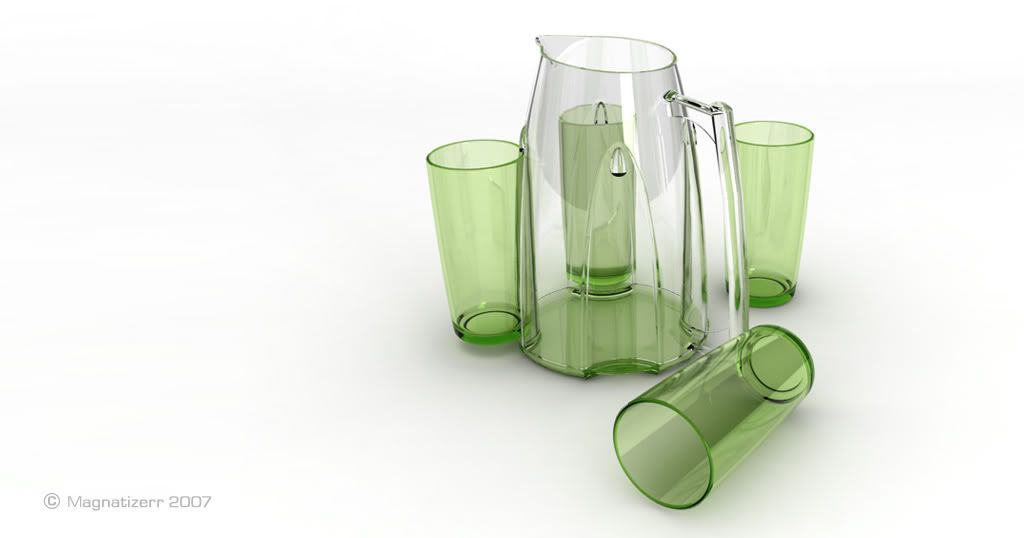
(Image 8 ) - Jug and tumble set
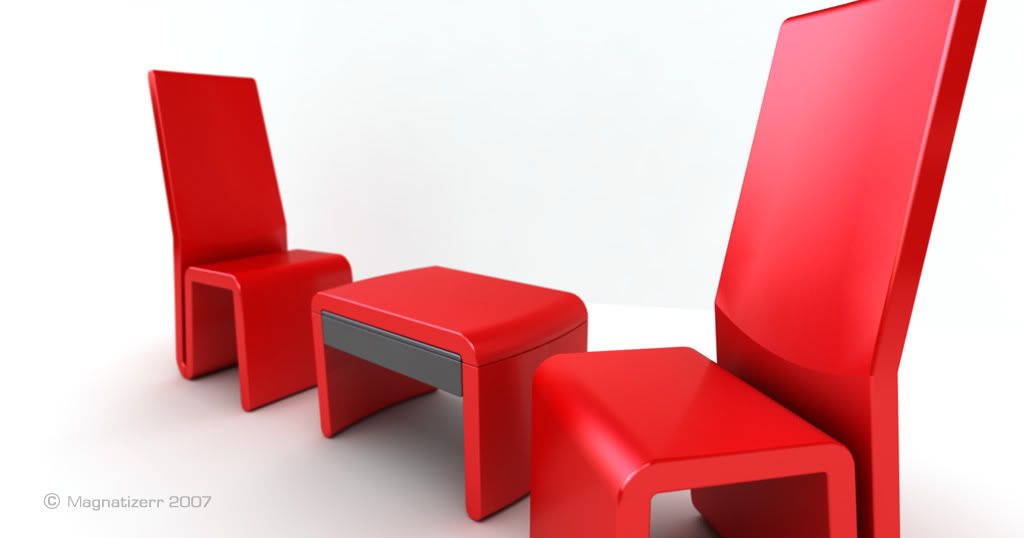
(Image 9) - Plastic moulded table and chairs
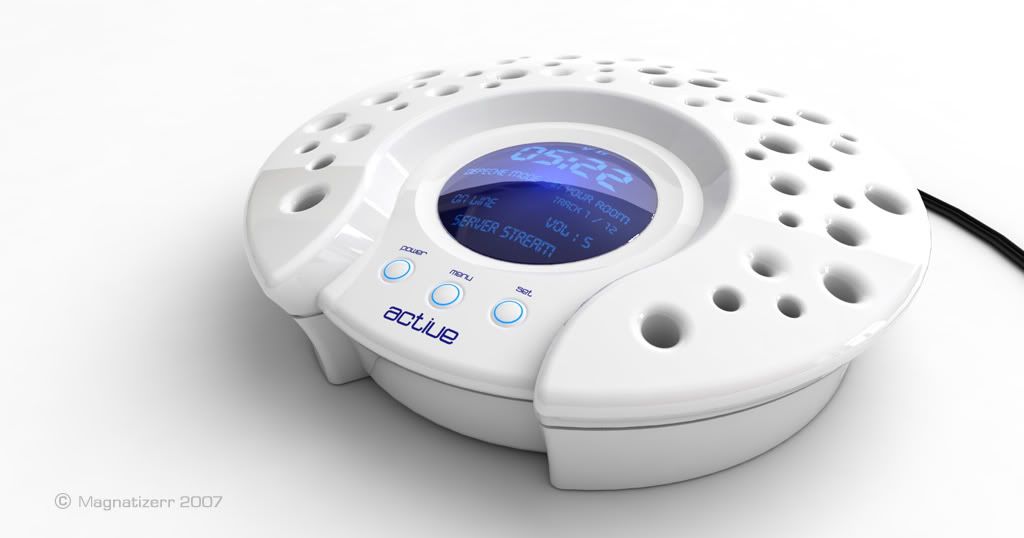
(Image 10) - Radio with Windows home server connection
Updated 16/06/09 - Not updated for a while so I thought I’d post some renders done over the past few months.

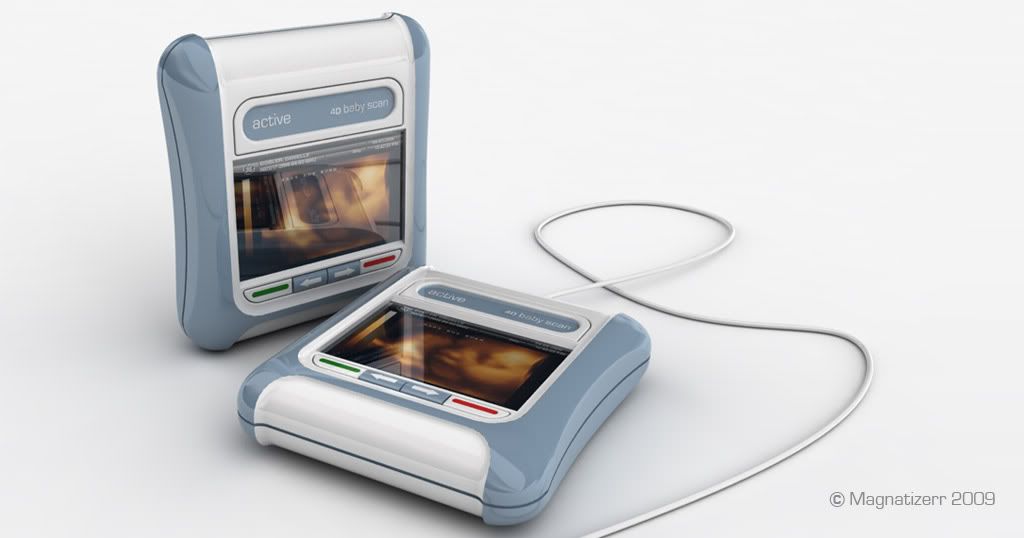
(Image 11) - 4D Baby Scaner
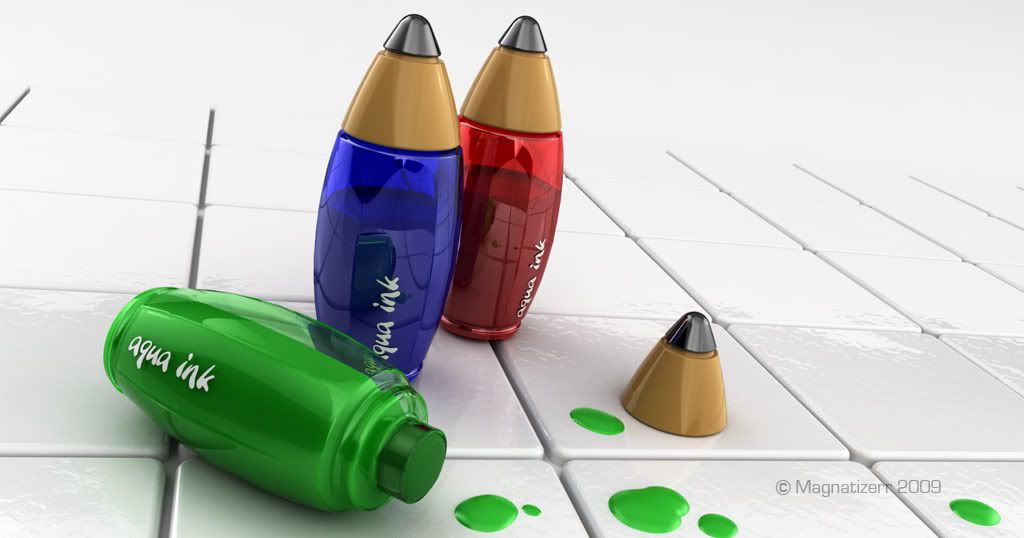
(Image 12) - Soap ink pens for bathtime play
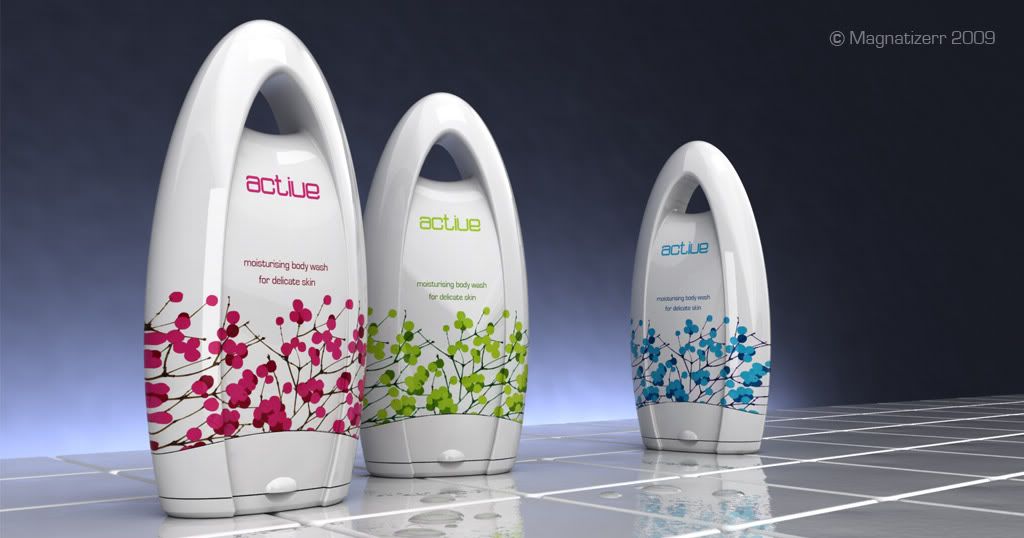
(Image 13) - Soap Packaging
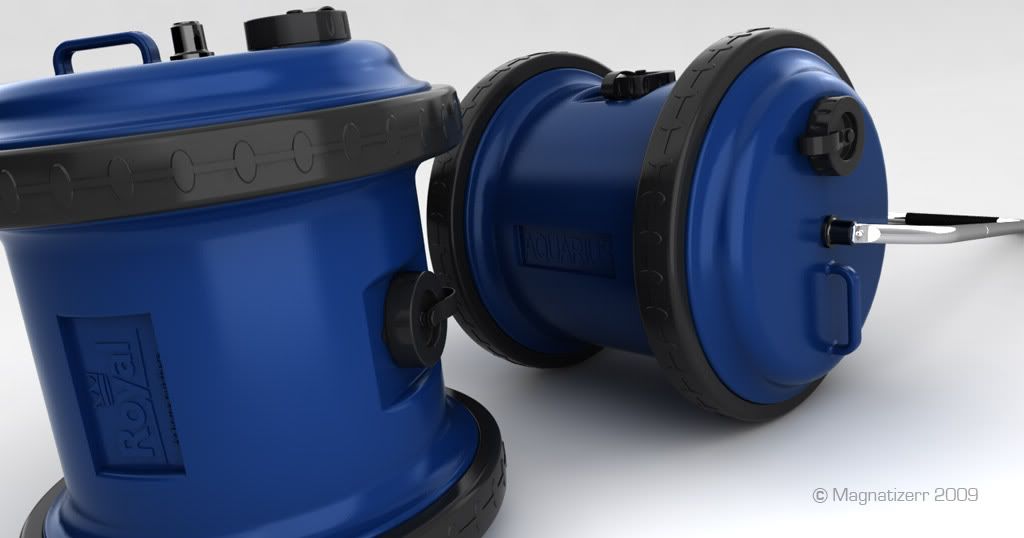
(Image 14) - Water rollers for water transportation
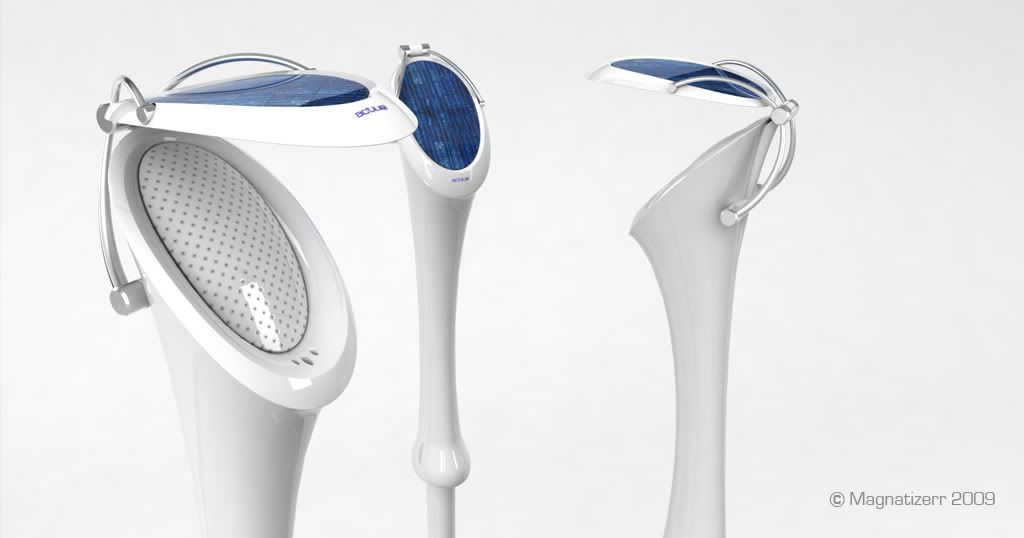
(Image 14) - Solar powered wireless speakers for the garden
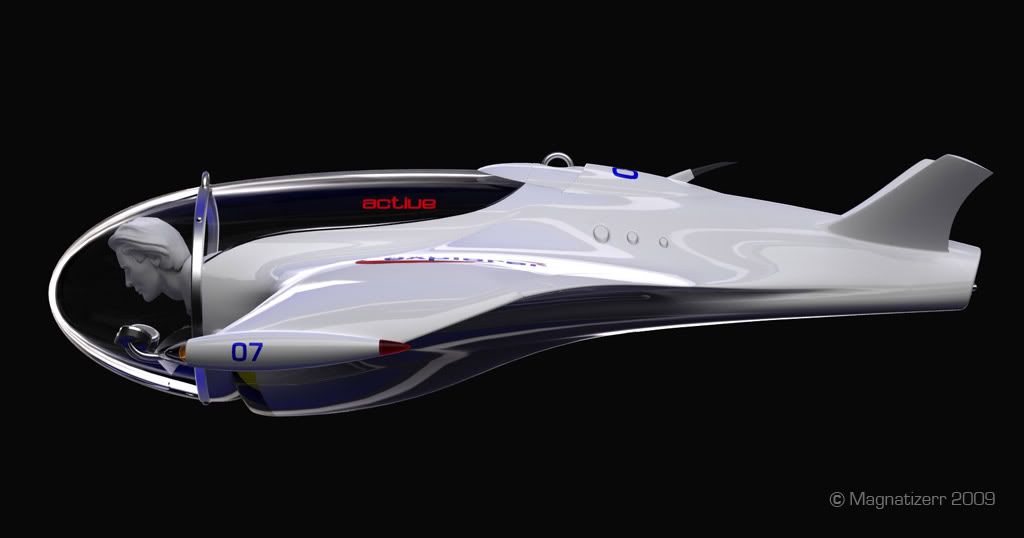
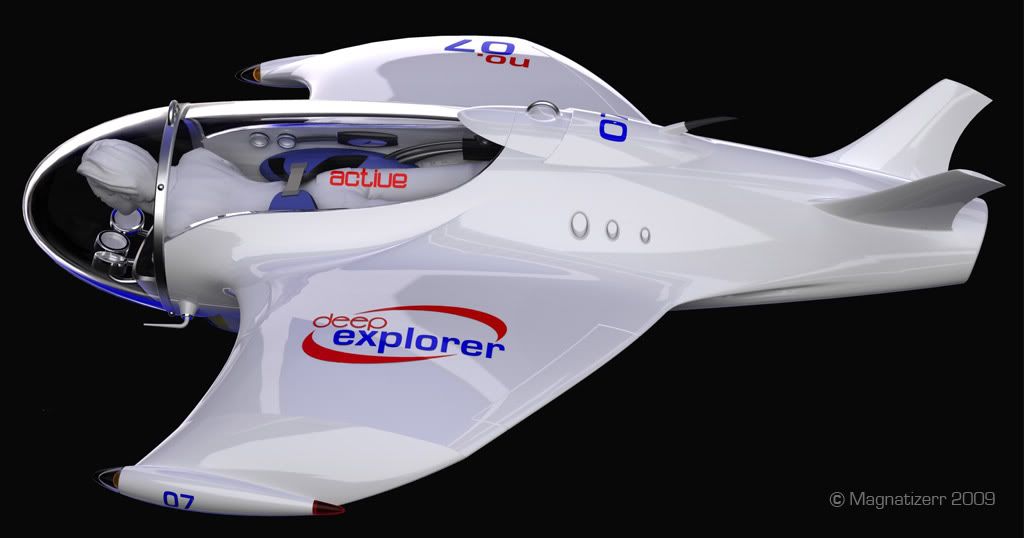
(Image 15) - Concept for an underwater sub for tourist hire
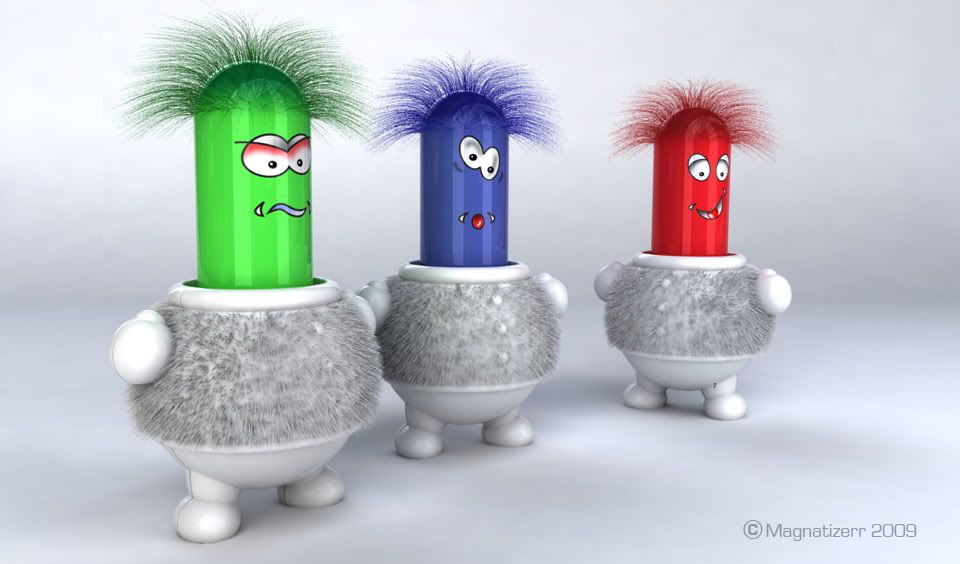
(Image 16) - First test image using RhinoHair
Magnatizerr Gallery

Looks very fine. Good work. Sweet models. :slight_smile:

Here some small suggestions:
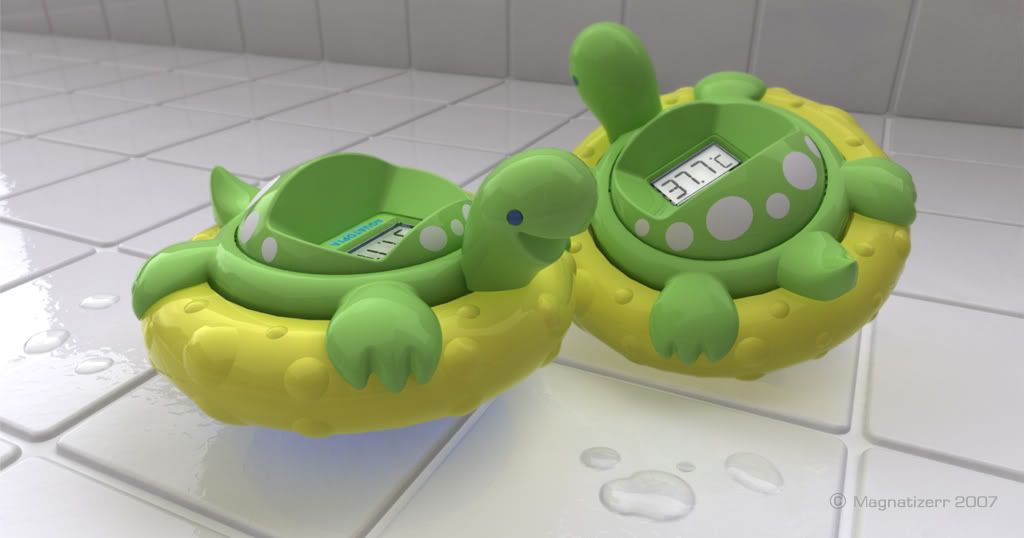
- I can see the mesh polygons at the yellow part, better you use finer mesh settings
- The gap motar looks reflective here. I would use a diffuse material and test a fine noise bump on it.
- Background: I would set the camera angle a little bit higher so that the cut between white background and tiles is not visible. Also, I think the dark reflection in the background is not necessary.
- Colors: I prefer a more warm look. I have test it: gamma curve correction - less blue, more red + more saturation. Additional a vignetting effect per free tool ptlens and a little bit more blur in the background. But I think, it’s a question of the personal taste and the monitor.
I would test an additional area light with warm color. Could be a good contrast to the cold white environment light.
- Special effects: water drops on the tiles and on the turtles. :wink:
- The tiles looks verfy perfect like plastic. Maybe you could use a light bump. Or are the edges to round? I’m not sure, but looks like plastic.

-Micha :wink:

Magnatizerr Gallery

Hi Micha

Thanks for the reply - the unit is a bath temperature alarm for children I designed last year - I thought it would be a good model to test.

I will look to try some of your thoughts over the weekend?! I will however probably keep the ‘coldness’ of the image as I wanted it to look as if it were in a bathroom?!

Magnatizerr Gallery

If I think on children, than I feel “warm”. In my bathroom is window with blue light and a light bulb that spend warm light. You could use the cold environment and an additional warm light. A cold-warm contrast could give a nice attraction for the eyes and could give a subtle color variation at the gaps. Maybe as subtle fill light from the right side.

I forget to say, the display looks phantastic real. An idea: if it show 37.7?, than it must be wet or is the room so hot? :wink:

Magnatizerr Gallery

I’ll try the warm light fill.

Re: the display - I used an old technique from my 3D max days - create the graphic ie. 37.7 and place it just above the LCD screen surface but underneath the ‘lens’ surface. This creates a shadow under the numbers.

I forget to say, the display looks phantastic real. An idea: if it show 37.7?, than it must be wet or is the room so hot?

Agreed - may be I will put some water droplets in!! :lol:

Magnatizerr Gallery

Updated image moved to top post

Magnatizerr Gallery

Are that bump-maps (main tile) on the floor surface?

Magnatizerr Gallery

… the water drops looks fine. :slight_smile: Also the fine bump is nice.

I have observe the tiles in my bath. The corners are more sharp and the motar looks rough. :wink:

Magnatizerr Gallery

Hi Kreten - The bump is on the tile surface. I only applied the bump to the tiles in the foreground to keep the render time down. Tiles at the back are just high gloss. Render time approx: 20min.

Magnatizerr Gallery

Thanx!

Magnatizerr Gallery

I’ve started to go through old projects and looking for products to test my V4R abilities so here’s another attempt - All completed with V4R apart from a small amount of work in PS. Again, and C&C are most welcome.

Glass image moved to top

Magnatizerr Gallery

Hi Magnatizerr
         Really like your latest render, the glasses look very real and the backdrop works well with the scene. I like the natural lighting you have used, how have you set your lights up. I cant seem to get that natural light in my renders at all.
Regards
Mark

Magnatizerr Gallery

Hi Mark O - Thanks for the response, I will say that the lighting did take some time to set, but the setup is quite simple really.
1. General GI (skylight) set @ ‘1’
2. Single ‘point light’ set @ 50 (with a very subtle light blue tint) to simulate sun
3. Single panel light set @ 2.5, in front of glasses to high light main target areas and show up texture in cloth.
Then I played around with the materials. Hope that helps

Magnatizerr Gallery

Nice scene. And an interesting classical render problem - liquid in glass.

One problem for me are the black areas in the glass. Maybe you could use more reflection/refraction bounces.

A good tutorial for this subject:

How did you model the liquid in the glass - offset surface or split of the glass?

Magnatizerr Gallery

Hi Micha - I’m already using a reflection/refraction bounce of 12, and every time I went higher it didn’t seem to effect the render? Any thoughts?

Re: the liquid - yep, offset surface, with a little modeling.

Magnatizerr Gallery

… did you set a full reflection environment or a background only?

Magnatizerr Gallery

I tried both but this rendering uses (mid grey) background only

Magnatizerr Gallery

Could be a problem for the internal reflection. Mid grey - could be to dark.

BUT … I have tested it here and got the same problem. I have forgotten to disable “double side”! Now t works fine. It’s the old pitfall. I miss a solution here. Again: I don’t understand why I must disable this option for glass.

Magnatizerr Gallery

Thanks Micha - I’ll check and try a re-render later this evening.

Magnatizerr Gallery

Updated on 21/06/06 with an old project of a battery powered Air freshener for AirWick. Looking at experimenting with a light coloured product on a light background.